( SMARTWIZ )
Simplifying tax filing into a one-click moment
Simplifying tax filing into a one-click moment
Designing a Chrome extension that eliminated the most time-consuming part of a tax pro's day.
Role: Product Designer
Platform: SaaS, Chrome Extension
Industry: FinTech

About SmartWiz
SmartWiz is an AI-powered tax preparation platform built to help tax professionals file faster and scale their practice.

( PROBLEM )
Tax professionals spend an average of 2–3 hours per client on manual data entry alone.
Tax preparers were spending significant time switching between client documents and their tax software — copying, pasting, and re-entering information by hand.
( PROBLEM )
Tax professionals spend an average of 2–3 hours per client on manual data entry alone.
Tax preparers were spending significant time switching between client documents and their tax software — copying, pasting, and re-entering information by hand.
( PROBLEM )
Tax professionals spend an average of 2–3 hours per client on manual data entry alone.
Tax preparers were spending significant time switching between client documents and their tax software — copying, pasting, and re-entering information by hand.
( RESEARCH )
To understand the scope of the problem, I mapped the end-to-end workflow of a tax preparer from receiving a client's documents to hitting submit. I conducted interviews with active SmartWiz users to identify exactly where time was being lost and where errors were most likely to occur.
What came back was consistent: the bottleneck wasn't the tax logic. It was the manual transfer of data between tools. Preparers weren't just losing time, they were losing confidence in a process that felt unnecessarily fragile.
( RESEARCH )
To understand the scope of the problem, I mapped the end-to-end workflow of a tax preparer from receiving a client's documents to hitting submit. I conducted interviews with active SmartWiz users to identify exactly where time was being lost and where errors were most likely to occur.
What came back was consistent: the bottleneck wasn't the tax logic. It was the manual transfer of data between tools. Preparers weren't just losing time, they were losing confidence in a process that felt unnecessarily fragile.
( KEY FINDINGS )
( KEY FINDINGS )

#1: Data entry between documents and tax software was the single most time-consuming step in the workflow
#1: Data entry between documents and tax software was the single most time-consuming step in the workflow

#2: Errors introduced during manual entry created downstream rework that compounded the time cost
#2: Errors introduced during manual entry created downstream rework that compounded the time cost
#3: Preparers were hesitant to adopt new tools that disrupted their existing software setup
#3: Preparers were hesitant to adopt new tools that disrupted their existing software setup
#1: Data entry between documents and tax software was the single most time-consuming step in the workflow
#2: Errors introduced during manual entry created downstream rework that compounded the time cost
#3: Preparers were hesitant to adopt new tools that disrupted their existing software setup
( HOW MIGHT WE )
How might we eliminate manual data entry from the tax filing workflow without asking preparers to change the tools they already use?
Three questions drove the design:
How might we capture client data without adding steps to the preparer's existing process?
How might we push data into tax software without requiring a platform switch?
How might we make the experience feel like a natural extension of their workflow, not a new one?
( HOW MIGHT WE )
How might we eliminate manual data entry from the tax filing workflow without asking preparers to change the tools they already use?
Three questions drove the design:
How might we capture client data without adding steps to the preparer's existing process?
How might we push data into tax software without requiring a platform switch?
How might we make the experience feel like a natural extension of their workflow, not a new one?
( THE SOLUTION )
The Chrome extension was built around one principle: fit into the workflow that already exists. No new tools to learn, no existing habits to break.
A tax professional's entire workflow can exist within just one Chrome extension.
( THE SOLUTION )
The Chrome extension was built around one principle: fit into the workflow that already exists. No new tools to learn, no existing habits to break.
A tax professional's entire workflow can exist within just one Chrome extension.
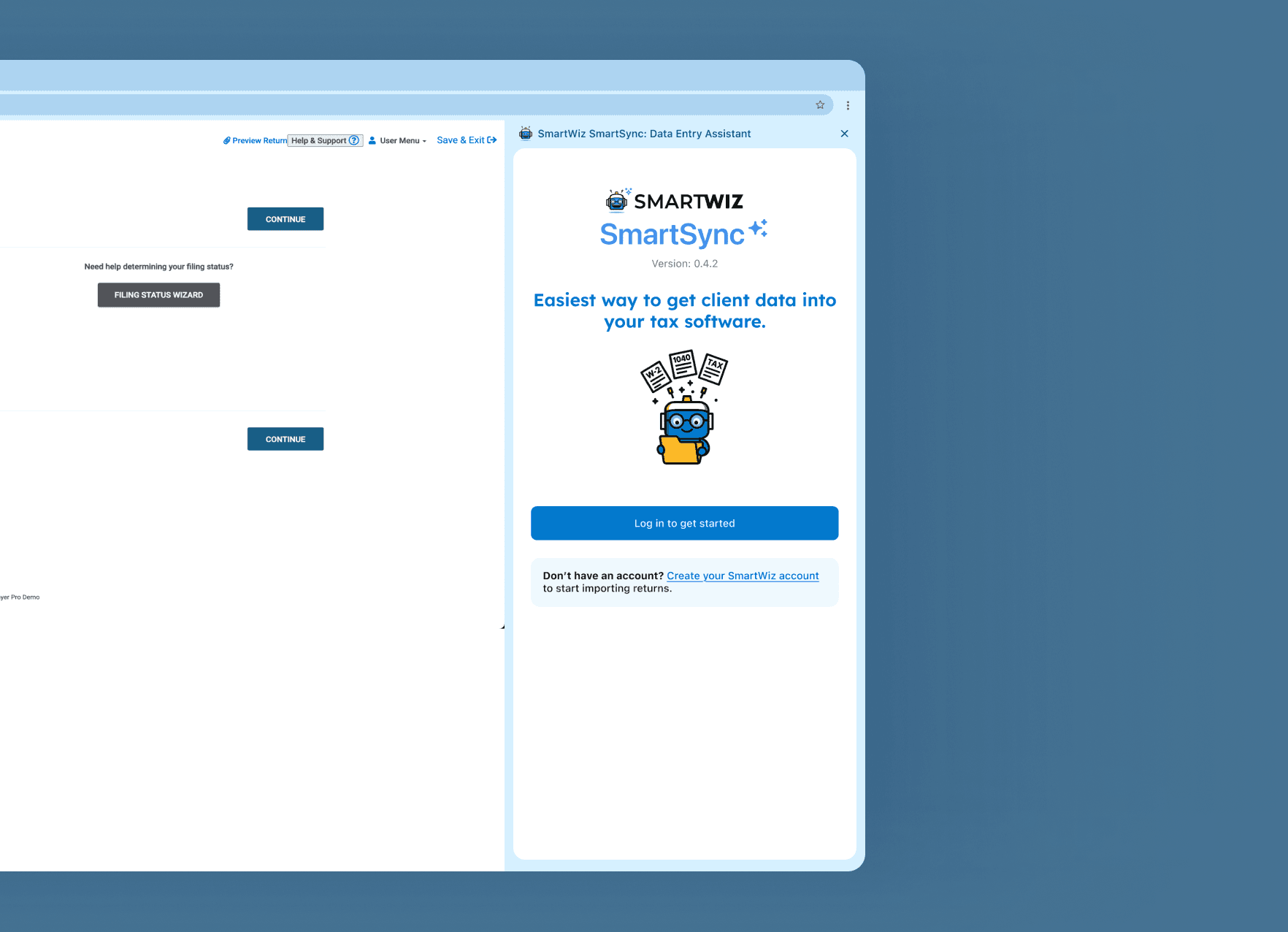
A side panel that stays out of the way
The extension lives as a collapsible side panel directly in the browser. Open it when you need it, collapse it when you don't. It never interrupts the active tab or forces a context switch, it's just there, quietly waiting until it's useful.
For a user base resistant to new software, this was the first trust problem to solve: making the extension feel like it belonged.
A side panel that stays out of the way
The extension lives as a collapsible side panel directly in the browser. Open it when you need it, collapse it when you don't. It never interrupts the active tab or forces a context switch, it's just there, quietly waiting until it's useful.
For a user base resistant to new software, this was the first trust problem to solve: making the extension feel like it belonged.
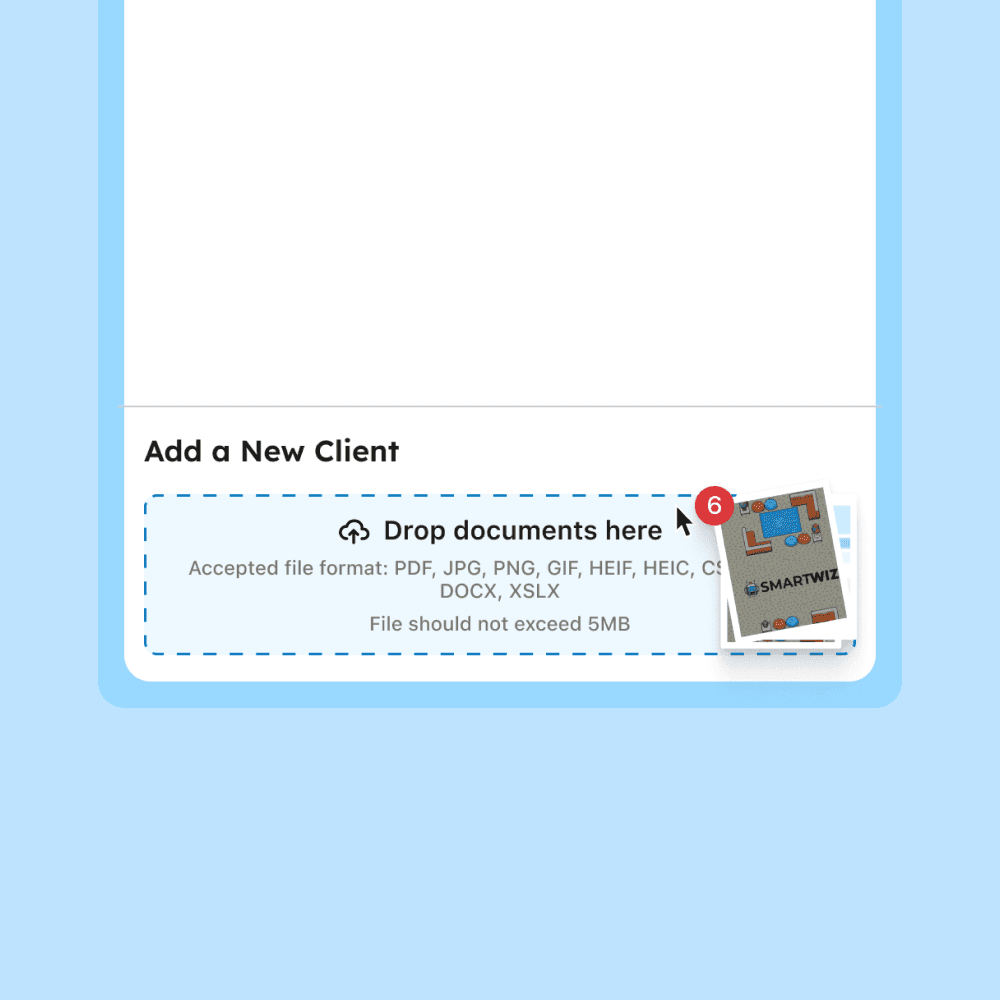
Uploading client documents
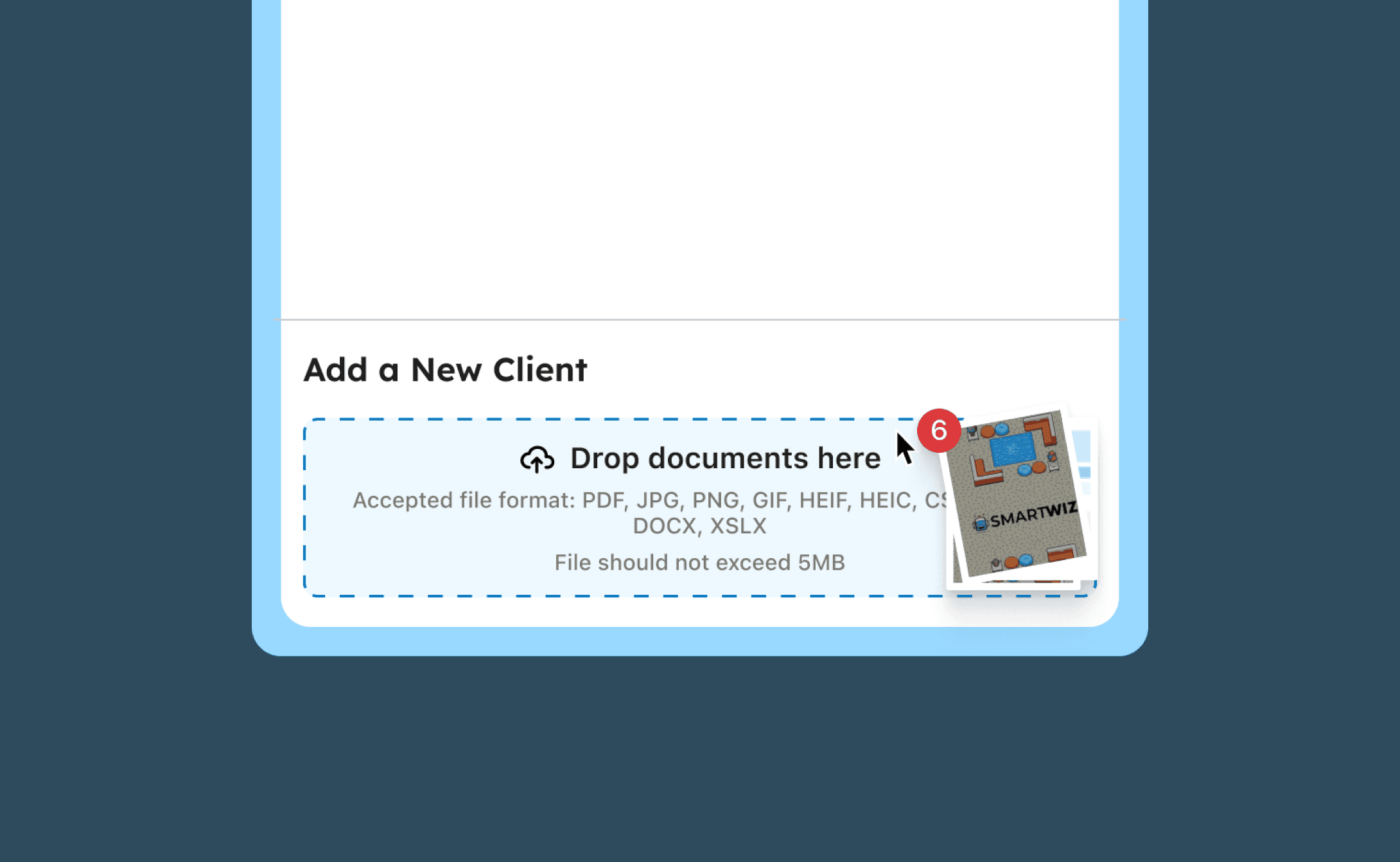
The upload area was designed to accept drag-and-drop in addition to file selection — because most preparers already have documents sitting open on their desktop. Reducing that action to a drag removed a small but real moment of friction.
Client list with tags and tracking
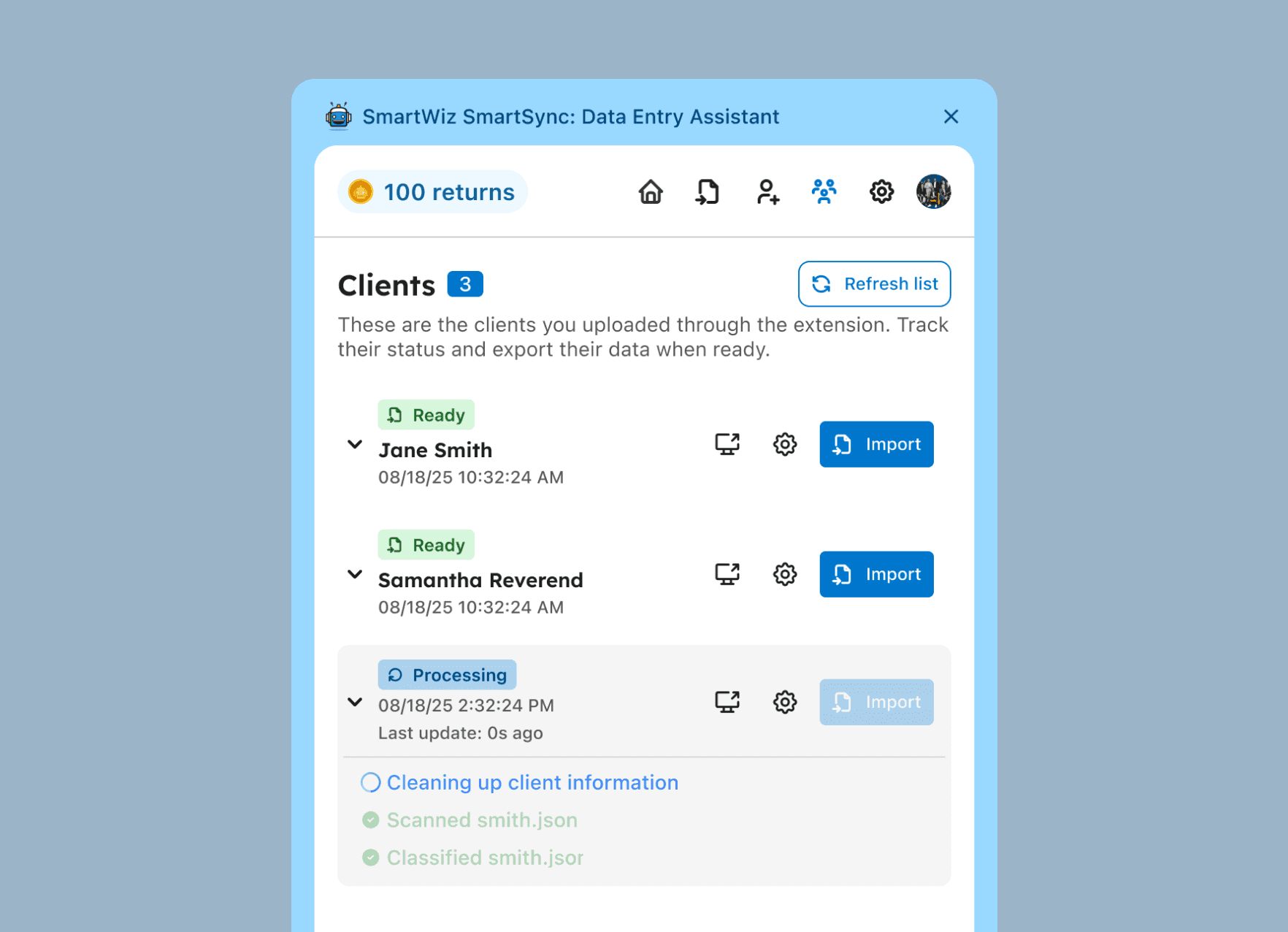
Every client lives in a single organized list inside the extension.
Each client row was kept dense but readable: name, status badge, and tags visible for easy scanning. When expanded, tax pros can see the progress of the data extraction for full visibility.
Client list with tags and tracking
Every client lives in a single organized list inside the extension.
Each client row was kept dense but readable: name, status badge, and tags visible for easy scanning. When expanded, tax pros can see the progress of the data extraction for full visibility.
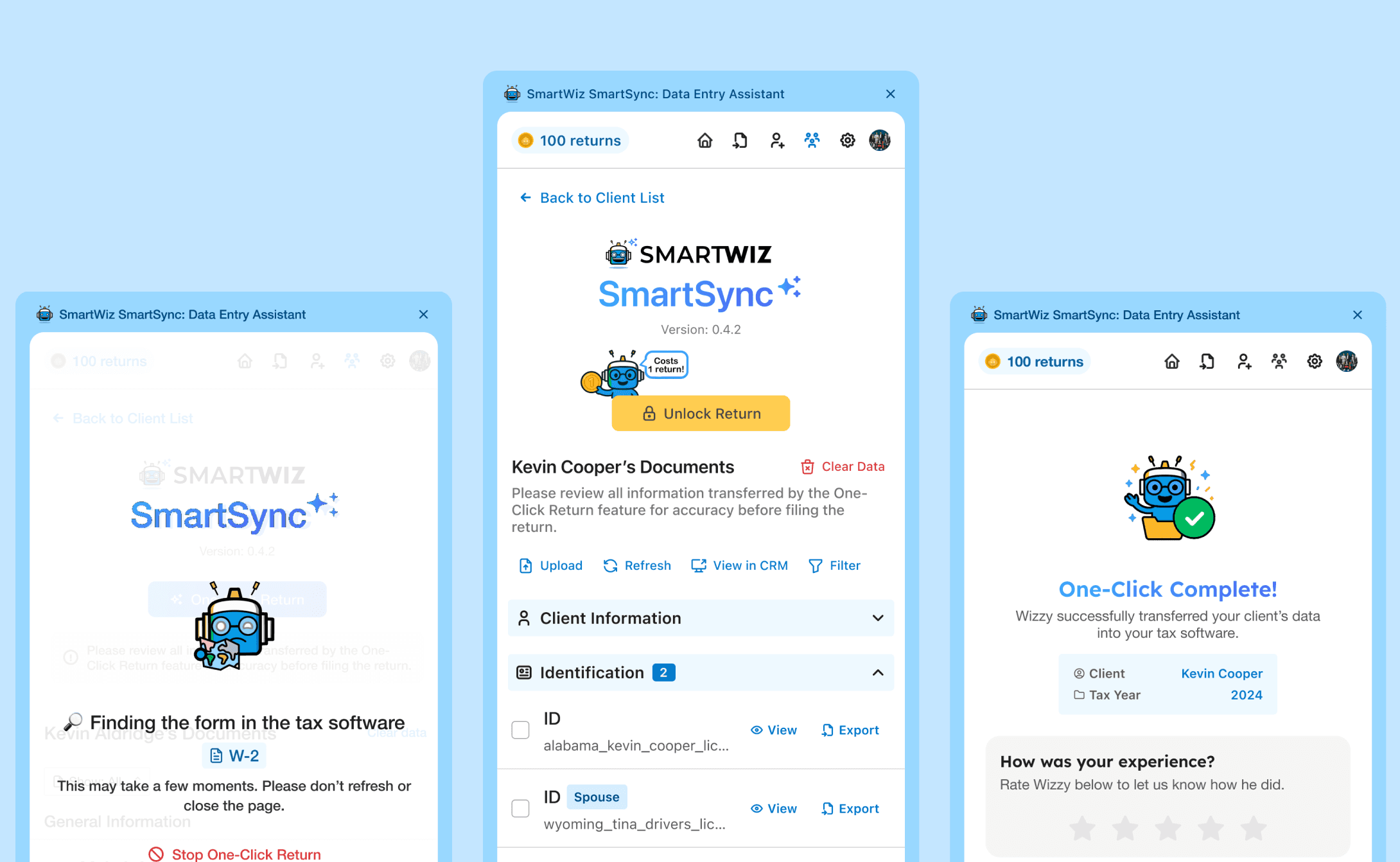
One click. That's it.
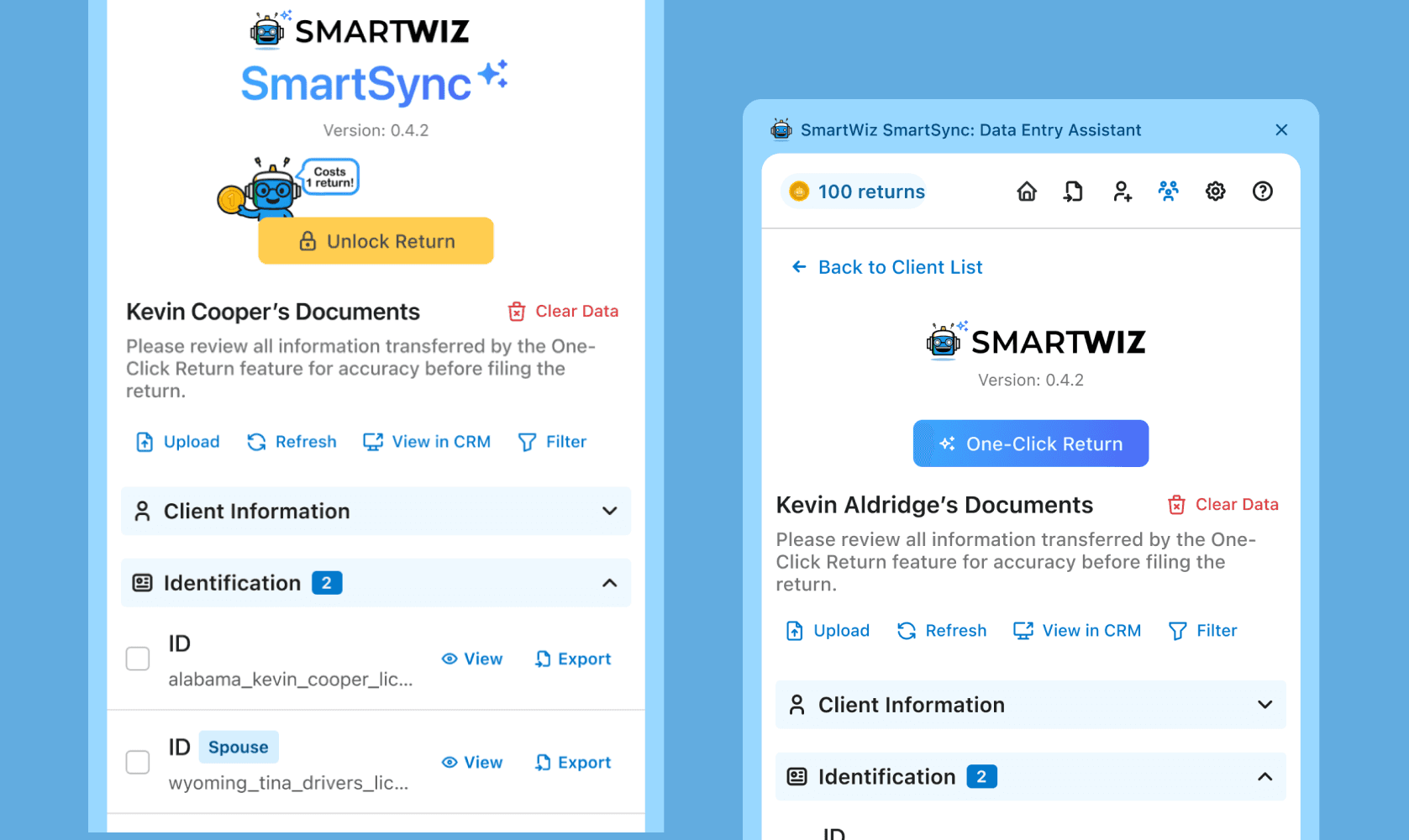
When a preparer is ready to file, they hit one button. One click starts the entire transfer — every extracted field, mapped and pushed into their tax software automatically.
One-click transfer with live progress
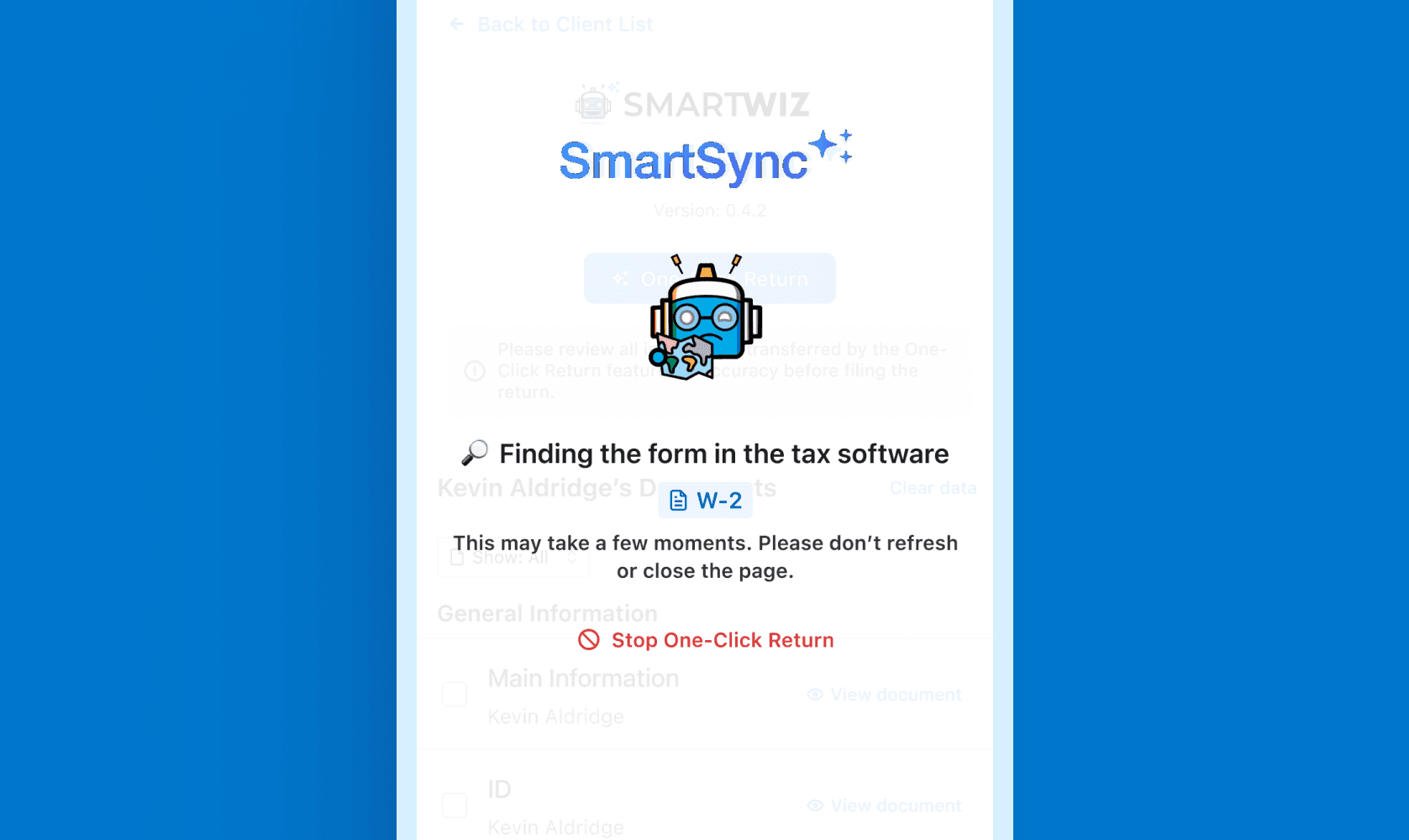
One click starts the data transfer into the tax software. Rather than a spinner and a blind wait, preparers can see exactly what form is being worked on as it happens.
One-click transfer with live progress
One click starts the data transfer into the tax software. Rather than a spinner and a blind wait, preparers can see exactly what form is being worked on as it happens.
Review before you file
A preparer's career highly depends on reviewing the tax return. SmartWiz doesn't strip them away from making professional decisions on a client's tax return.
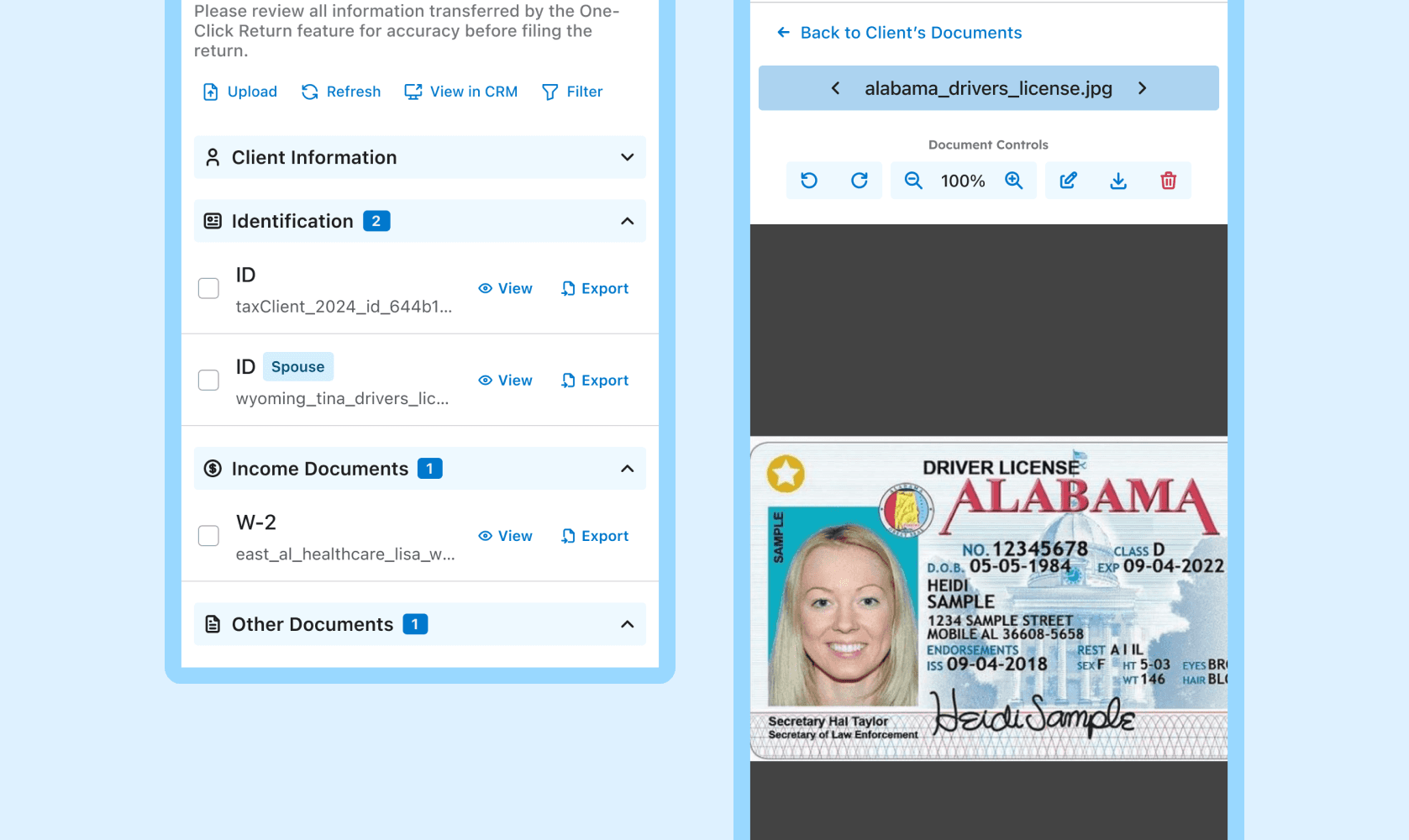
Preparers can review the data extracted right beside their tax software. No need for tab switching or multiple monitors.
Review before you file
A preparer's career highly depends on reviewing the tax return. SmartWiz doesn't strip them away from making professional decisions on a client's tax return.
Preparers can review the data extracted right beside their tax software. No need for tab switching or multiple monitors.
( THE SOLUTION )
The Chrome extension was built around one principle: fit into the workflow that already exists. No new tools to learn, no existing habits to break.
A tax professional's entire workflow can exist within just one Chrome extension.
A side panel that stays out of the way
The extension lives as a collapsible side panel directly in the browser. Open it when you need it, collapse it when you don't. It never interrupts the active tab or forces a context switch, it's just there, quietly waiting until it's useful.
For a user base resistant to new software, this was the first trust problem to solve: making the extension feel like it belonged.
Uploading client documents
The upload area was designed to accept drag-and-drop in addition to file selection — because most preparers already have documents sitting open on their desktop. Reducing that action to a drag removed a small but real moment of friction.
Client list with tags and tracking
Every client lives in a single organized list inside the extension.
Each client row was kept dense but readable: name, status badge, and tags visible for easy scanning. When expanded, tax pros can see the progress of the data extraction for full visibility.
One click. That's it.
When a preparer is ready to file, they hit one button. One click starts the entire transfer — every extracted field, mapped and pushed into their tax software automatically.
One-click transfer with live progress
One click starts the data transfer into the tax software. Rather than a spinner and a blind wait, preparers can see exactly what form is being worked on as it happens.
Review before you file
A preparer's career highly depends on reviewing the tax return. SmartWiz doesn't strip them away from making professional decisions on a client's tax return.
Preparers can review the data extracted right beside their tax software. No need for tab switching or multiple monitors.

( WHAT'S NEXT )
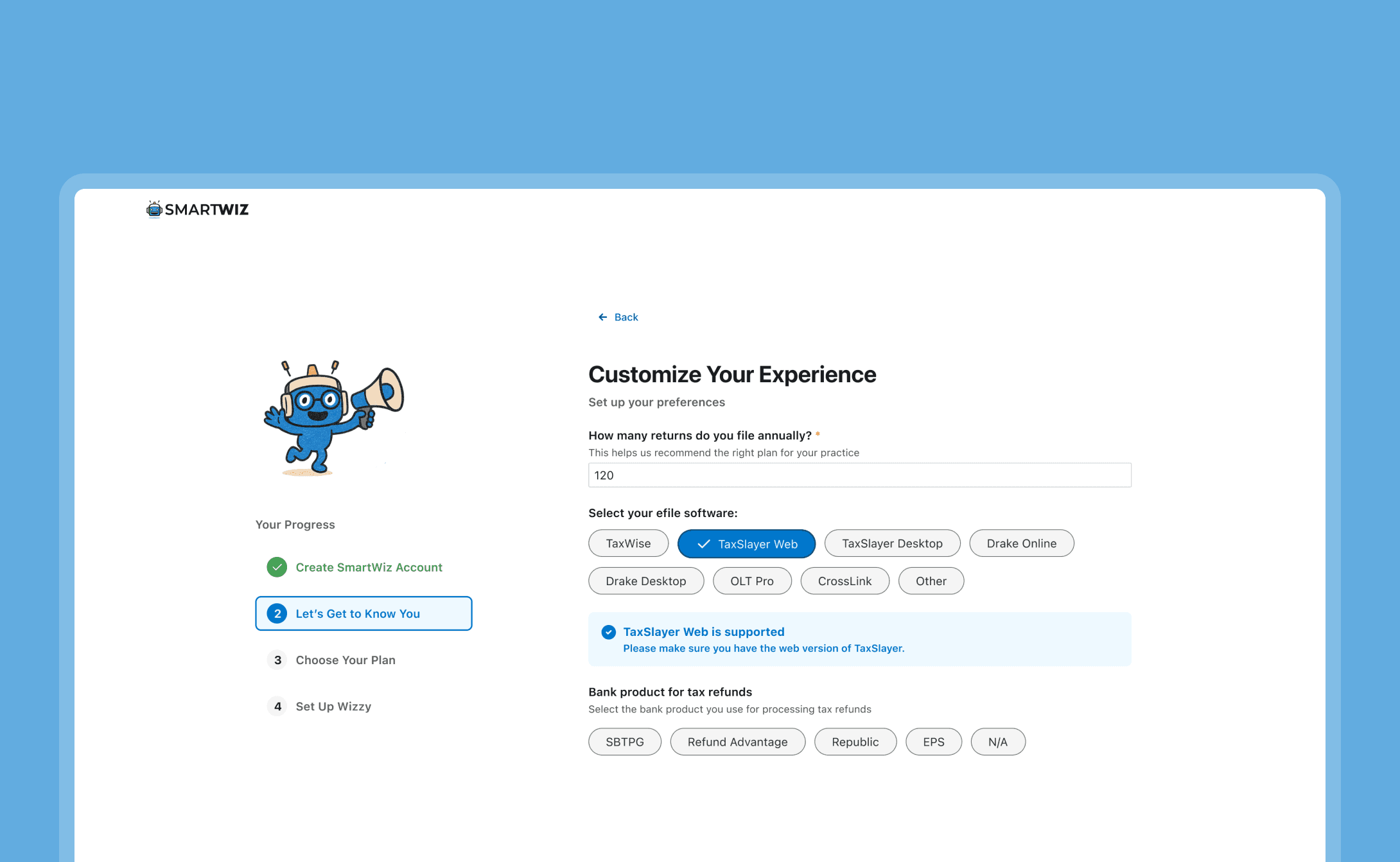
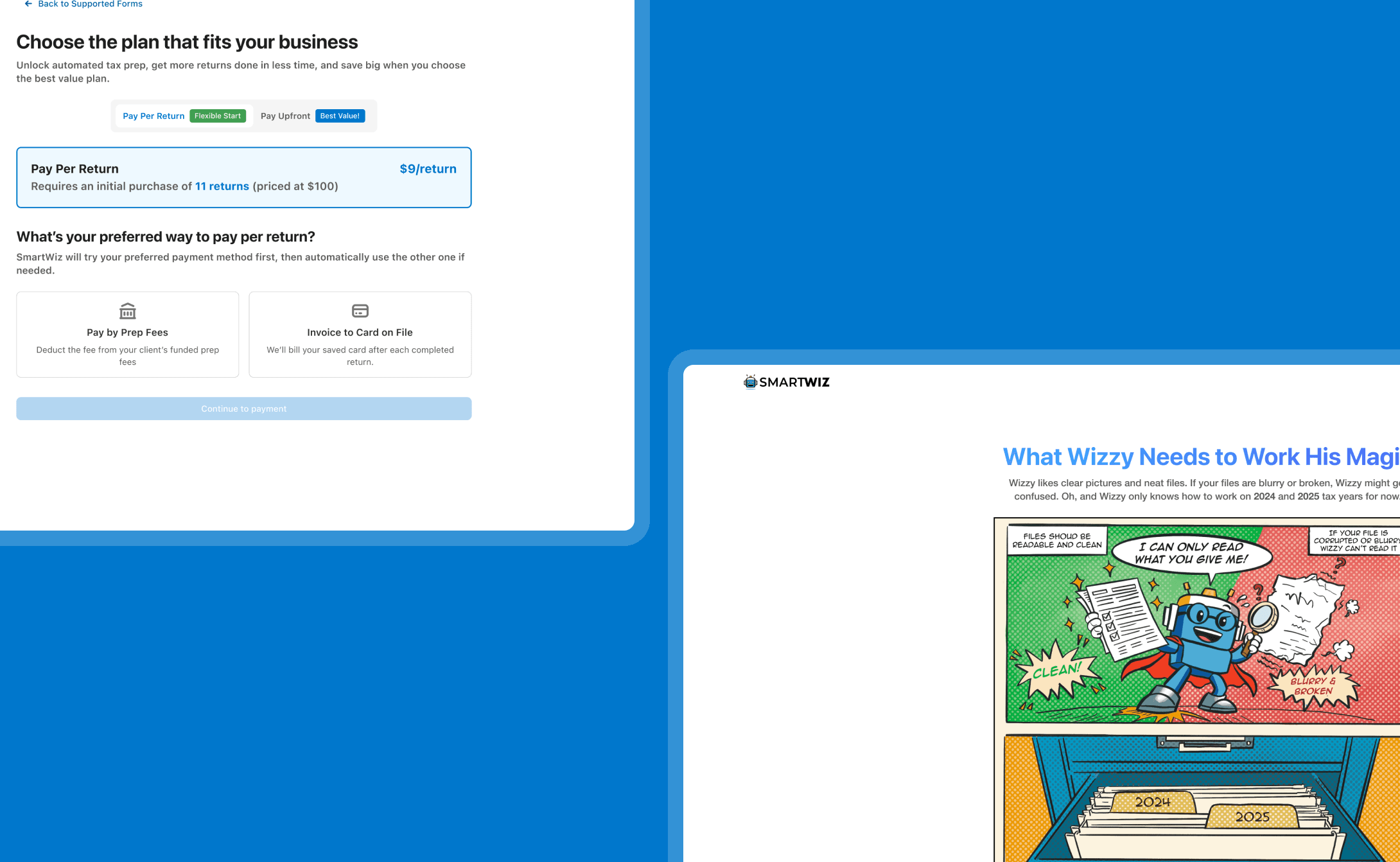
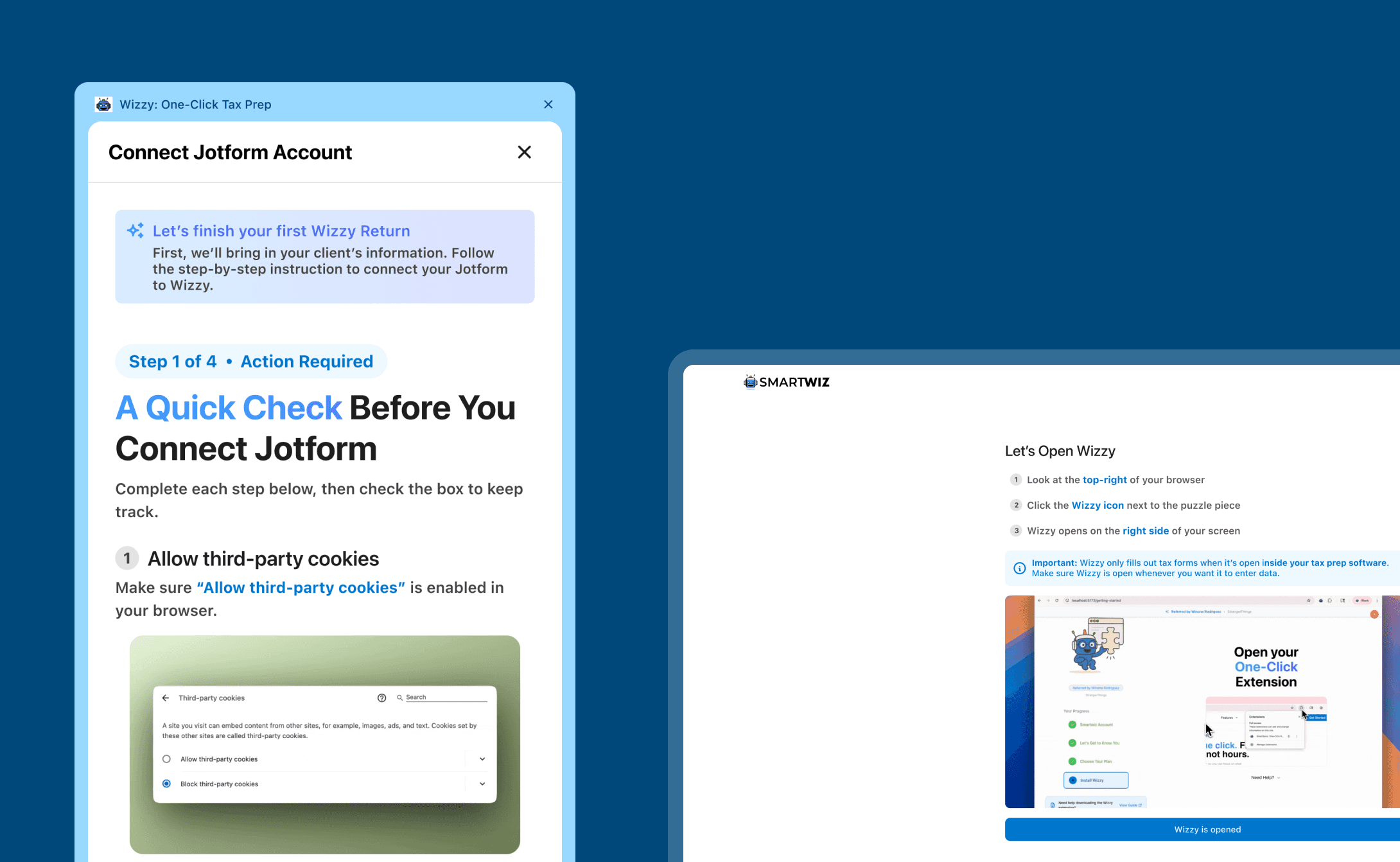
Turning confused users into power users
Turning confused users into power users
SmartWiz had a drop-off problem — users were signing up but not sticking around. I led the onboarding redesign, rethinking how new users were introduced to the product and creating a flow that resulted in a 30% increase in feature adoption and a measurable drop in support tickets.